
🚀 Practical Live Online Microsoft Office Training — Boost Your Productivity and Career
Start your journey with Practical Live Online Microsoft Office Training at SkillRiseTech. This course is designed to help you master Word, Excel, PowerPoint, and Access efficiently, giving you the skills to work smarter, save time, and advance your career. Whether you are a professional, entrepreneur, student, or job seeker, this training equips you to use Microsoft Office tools confidently and practically.
In today’s digital workplace, Microsoft Office tools are essential. Many people use only a fraction of the features available, wasting hours on tasks that could be automated or simplified. Our Practical Live Online Microsoft Office Training focuses on hands-on learning, live instruction, and real-world exercises to ensure you gain skills that you can immediately apply.
💡 Why Choose Practical Live Online Microsoft Office Training
Our training is built around learning by doing. Here’s why this course stands out:
- ✅ Live Online Classes: Interact directly with instructors in real-time — no pre-recorded videos.
- ✅ Hands-On Projects: Work on practical exercises that simulate real workplace tasks.
- ✅ Flexible Schedules: Attend morning, evening, or weekend sessions.
- ✅ Immediate Application: Apply your new skills to your job or business right away.
- ✅ Certificate of Completion: Showcase your expertise to employers or clients.
By combining practical exercises with live guidance, the Practical Live Online Microsoft Office Training ensures your learning is efficient, relevant, and career-focused.
📝 What You’ll Learn in Practical Live Online Microsoft Office Training
Microsoft Word
- Create professional, polished documents that impress.
- Use templates, styles, and automation features for efficiency.
- Format reports for work or school quickly and accurately.
- Collaborate on documents in real time with your team.
Microsoft Excel
- Master formulas, pivot tables, and charts for in-depth analysis.
- Analyze and visualize data quickly and effectively.
- Automate repetitive tasks to save hours of work.
- Manage large datasets with confidence.
Microsoft PowerPoint
- Design persuasive presentations with templates, visuals, and animations.
- Organize slides for maximum impact and clarity.
- Collaborate with team members in real time during presentations.
- Customize your presentations to match your brand and audience.
Microsoft Access
- Build and manage relational databases with ease.
- Query, filter, and report data efficiently.
- Integrate Access with Excel for advanced data analysis.
- Create functional solutions for small and medium-scale projects.
Completing these modules gives you a full Microsoft Office skillset applicable immediately in professional and academic environments.
😩 Common Challenges We Help You Overcome
Many learners struggle with Microsoft Office. Here’s how our Practical Live Online Microsoft Office Training addresses these challenges:
- “I’ve been using Office for years, but I still feel stuck.”
- “Tutorials don’t solve my specific problems.”
- “I don’t have time for long lessons.”
- “I’m not tech-savvy.”
We provide step-by-step guidance, live demonstrations, and personalized support to ensure all learners gain practical, actionable skills.
🧭 How the Training Works
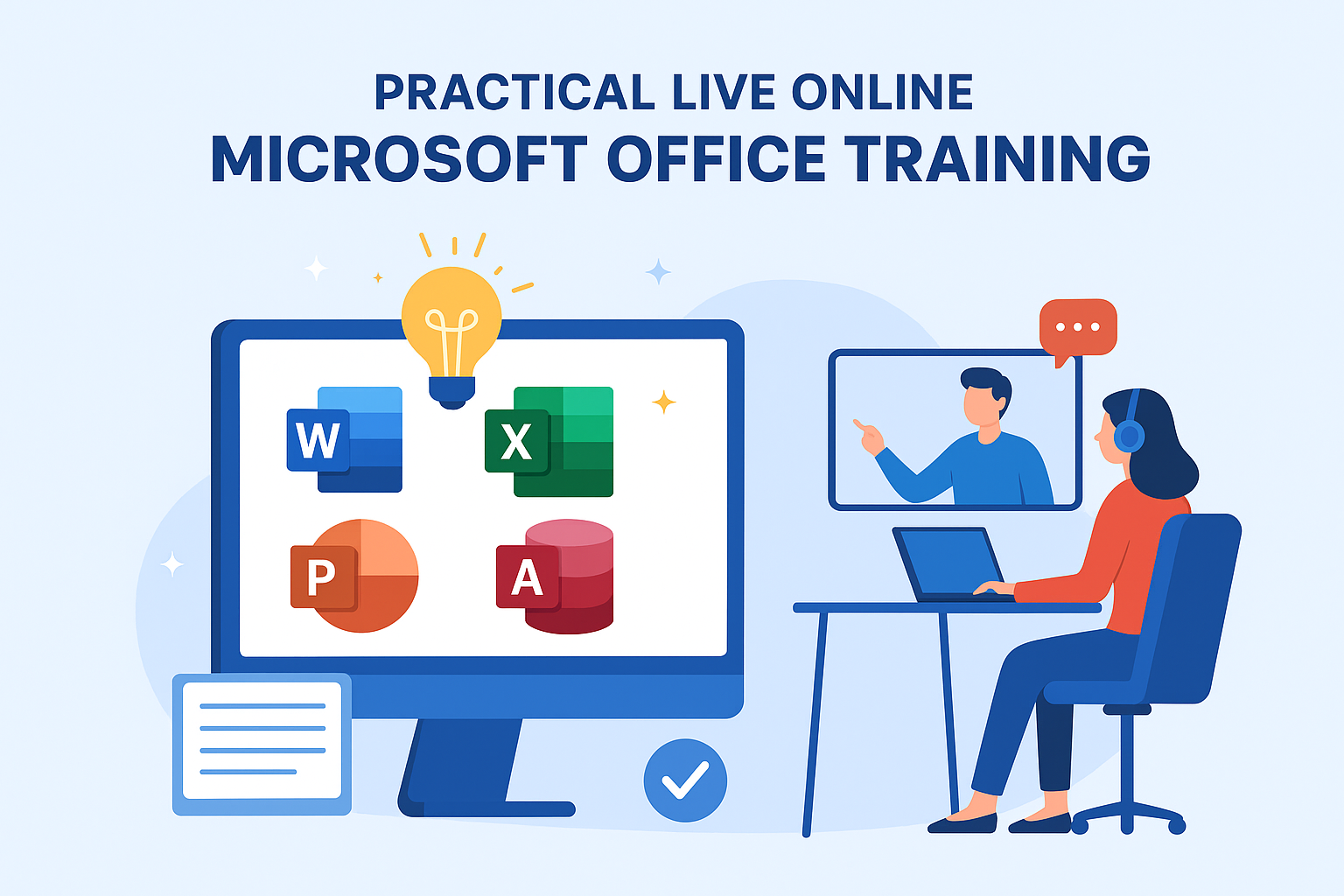
- Register online for the Practical Live Online Microsoft Office Training.
- Join live sessions with expert instructors.
- Practice real projects during class for hands-on experience.
- Apply your new skills immediately in your work or business.
By the end of the course, you won’t just know Microsoft Office — you’ll use it efficiently and confidently every day.
🎯 Who Should Enroll
This course is ideal for:
- Office professionals looking to improve productivity.
- Entrepreneurs managing their own operations.
- Job seekers aiming to stand out with digital skills.
- Students preparing for modern workplaces.
- Anyone struggling to use Microsoft Office tools efficiently.
🌟 Why SkillRiseTech
At SkillRiseTech, learning is practical, interactive, and results-driven. Our instructors are experienced, patient, and committed to helping you succeed.
- Live, Interactive Sessions: Ask questions and receive real-time guidance.
- Hands-On Projects: Build skills that are immediately applicable.
- Flexible Schedules: Morning, evening, and weekend options.
- Certificate of Completion: Showcase your new skills professionally.
Our focus is on helping learners gain real, usable skills that make a difference in their career or business.
🎓 Career and Productivity Benefits
Enrolling in Practical Live Online Microsoft Office Training gives you tools to:
- Boost efficiency and productivity in daily tasks.
- Save time through automation and smart workflows.
- Present data, reports, and projects professionally.
- Expand career opportunities and improve employability.
- Launch projects or manage operations without external help.
🚀 Take the Next Step — Enroll Today
Don’t wait to improve your skills. Join SkillRiseTech’s Practical Live Online Microsoft Office Training and gain the confidence, knowledge, and efficiency to excel in any professional setting.
📅 Flexible Schedule
💻 Live Online Classes
🎖 Certificate Included
👉 Enroll Now and Start Learning Live
Gain practical skills, boost productivity, and advance your career — all through live, interactive, and hands-on Microsoft Office training.
You can enhance your learning experience and access additional resources by visiting the Microsoft Office Training Center and the Microsoft Learn platform, which offer free tutorials, tips, and guides to complement your Practical Live Online Microsoft Office Training at SkillRiseTech.