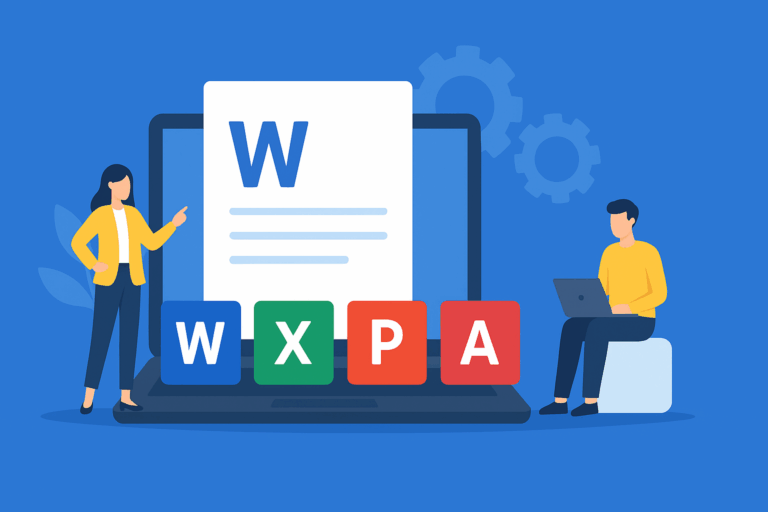
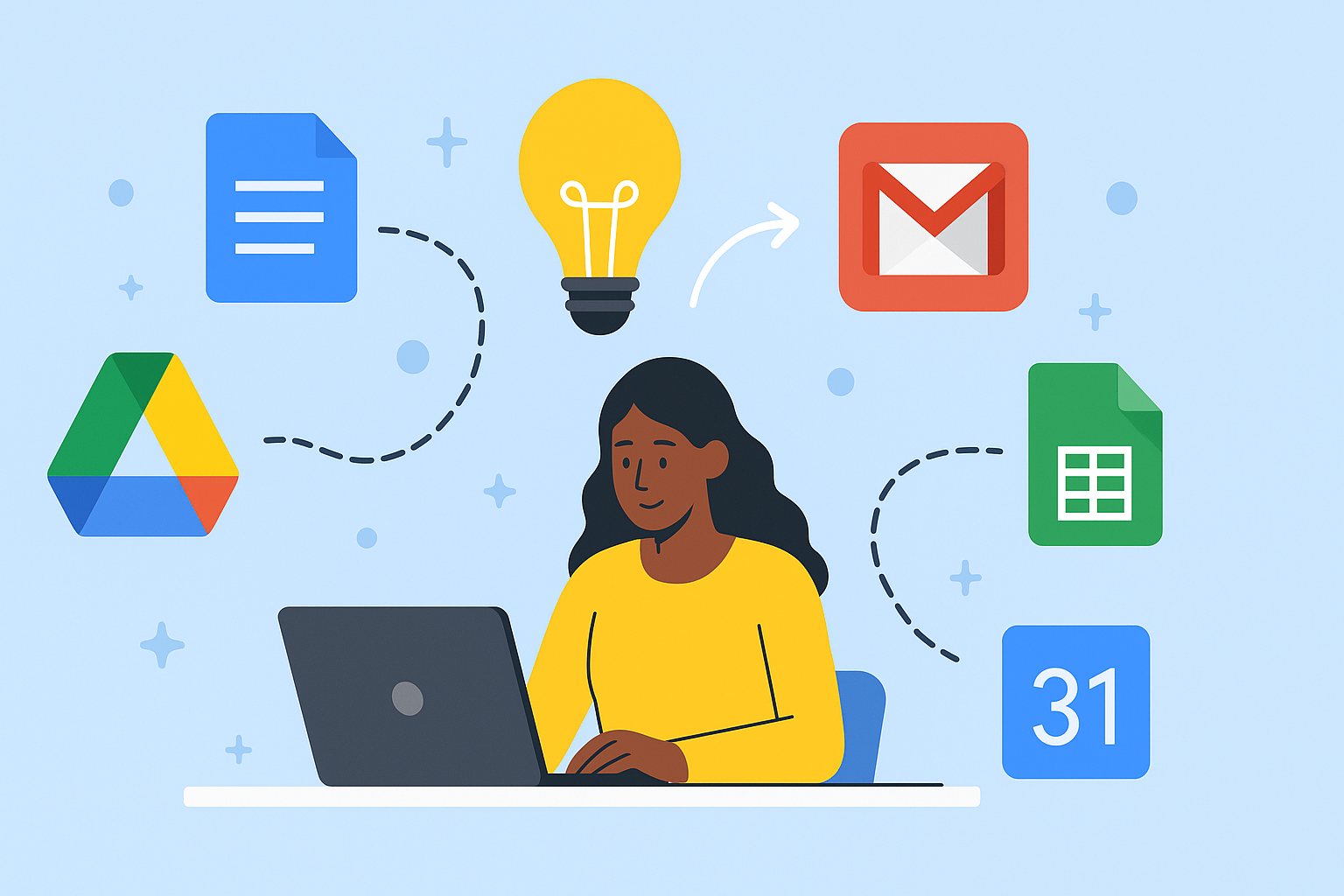
Practical Live Online Google Workspace Training — Boost Productivity & Efficiency
Unlock the Power of Google Workspace for Maximum Productivity
Are you tired of spending hours on tasks that should take minutes? Many professionals and entrepreneurs struggle daily with tasks like formatting documents, analyzing data in Sheets, creating presentations, or managing files across devices. If that sounds familiar, you’re not alone.
With SkillRiseTech, our Practical Live Online Google Workspace Training teaches you hands-on, interactive skills that save time, increase efficiency, and make collaboration effortless. Learn live from expert instructors and apply your knowledge immediately.
Why Learn Google Workspace Now?
Google Workspace is the backbone of productivity for businesses, freelancers, and remote teams. Mastering these tools gives you a competitive advantage in today’s fast-paced work environment.
Benefits of this training include:
- Create professional documents and reports quickly in Google Docs
- Analyze and automate data in Sheets without confusion
- Design engaging presentations in Slides
- Collaborate in real-time with your team using Drive
What Makes SkillRiseTech Different?
Unlike typical online courses, our approach is practical, live, and hands-on:
- ✅ Live Online Classes – Ask questions and get instant feedback
- ✅ Hands-On Projects – Work on real-life examples, not just theory
- ✅ Personal Guidance – Receive tailored feedback
- ✅ Lifetime Value – Skills can be applied immediately to your work
Common Barriers — Solved
- “I’m too busy.” Flexible schedules fit your work or study commitments
- “I’m not tech-savvy.” Step-by-step guidance for beginners
- “Will it be worth it?” Gain skills that save hours of frustration
- “I forget what I learn.” Recorded replays and ongoing support
Your Learning Journey
- Register for the training
- Join your first live session online
- Practice with real projects
- Apply your new skills immediately
By the end, you’ll know how to use Google Workspace effectively to save time, stay organized, and collaborate like a professional.
What You’ll Learn
Our Practical Live Online Google Workspace Training covers:
- Google Docs: Professional reports and proposals
- Google Sheets: Formulas, pivot tables, and automation
- Google Slides: Sleek, persuasive presentations
- Google Drive: Secure, organized file management
- Google Forms & Apps: Collect and integrate data efficiently
Why Choose SkillRiseTech?

All courses are:
- ✅ Live online — no pre-recorded videos
- ✅ Led by experienced instructors
- ✅ Project-based with real-world applications
- ✅ Structured for beginners and advanced learners
Mission: Empower learners through hands-on education that inspires confidence and real results.
Upcoming Training Sessions
- 🚀 Practical Live Online Google Workspace Training
- 🗓 Flexible Schedule: Weekday & Weekend Options
- 📍 100% Online — Learn from anywhere
Hear from Our Learners
“Before this course, I struggled with Sheets. Now, I automate reports and collaborate effortlessly. Live training made the difference.”
— Amaka O., Business Analyst
“SkillRiseTech’s hands-on classes are incredible. I apply what I learn the next day at work!”
— Tunde A., Project Manager
Ready to Upgrade Your Productivity?
Take the first step toward mastering Google Workspace. Whether a beginner or advanced user, this course equips you with practical, job-ready skills.
👉 Enroll Now — Start Your Practical Live Online Google Workspace Training
💬 Chat with an Advisor to ask questions before enrolling
Transform Your Work Life Today
At SkillRiseTech, you’re not just learning tools — you’re gaining confidence, clarity, and the ability to deliver real results. Join hundreds of learners who have transformed their productivity and taken control of their professional growth.
🎓 Learn live. Learn practical. Learn with SkillRiseTech.
Frequently Asked Questions (FAQ) — Practical Live Online Google Workspace Training
1. What is the Practical Live Online Google Workspace Training?
Our Practical Live Online Google Workspace Training is a hands-on course that teaches you how to use Google Docs, Sheets, Slides, and Drive effectively. Unlike pre-recorded courses, all sessions are live, interactive, and project-based, ensuring you apply your skills immediately.
2. Who can join this Google Workspace training?
Anyone who uses Google Workspace daily — professionals, entrepreneurs, freelancers, students, or business owners — can benefit. No prior technical experience is required, as the course starts from the basics and gradually builds advanced skills.
3. What will I learn in this training?
You will learn to:
- Create professional reports in Google Docs
- Analyze and automate data in Google Sheets
- Design engaging presentations in Google Slides
- Organize and collaborate using Google Drive
- Use Forms and Apps for data collection and integration
All skills are taught through live, practical exercises, so you can apply them immediately in your work or projects.
4. Is this course suitable for beginners?
Yes! Our training is designed for beginners and advanced users alike. Each session is structured step by step, ensuring that even if you’ve never used Google Workspace tools before, you’ll gain confidence and proficiency.
5. How is this course different from other online courses?
Unlike theory-heavy or pre-recorded tutorials, our Practical Live Online Google Workspace Training focuses on real-world application. You work on live projects, get instant instructor feedback, and learn practical techniques that save time and boost productivity.
6. Do I need to install any software?
No. Google Workspace is cloud-based, so you only need a browser and an internet connection. All exercises are done online, and you can access your projects from anywhere.
7. How flexible is the training schedule?
We offer weekday and weekend options to fit your schedule. Sessions are live and interactive, but recordings are available for review if you miss a class.
8. Will I receive a certificate?
Yes! Upon completing the training, you will receive a Certificate of Completion, demonstrating your practical skills in Google Workspace tools.
9. How can I enroll in the course?
You can enroll directly on our website:
👉 Enroll Now — Practical Live Online Google Workspace Training
For questions before enrolling, chat with an advisor:
💬 Contact Us
10. Can this training help improve my productivity at work?
Absolutely! The course teaches practical skills that reduce repetitive work, automate tasks, improve collaboration, and enhance reporting. You’ll complete projects faster and work smarter every day.
You can expand your skills and explore more resources to boost your productivity by visiting the Google Workspace Learning Center and the Google for Education Training Center for free tutorials, tips, and guides that complement your live training with SkillRiseTech.