🌟 Master Google Workspace Tools in 4 Weeks with Powerful Hands-On Google Workspace Training
$30
Boost your productivity and collaboration with SkillRiseTech’s Hands-On Google Workspace Training.
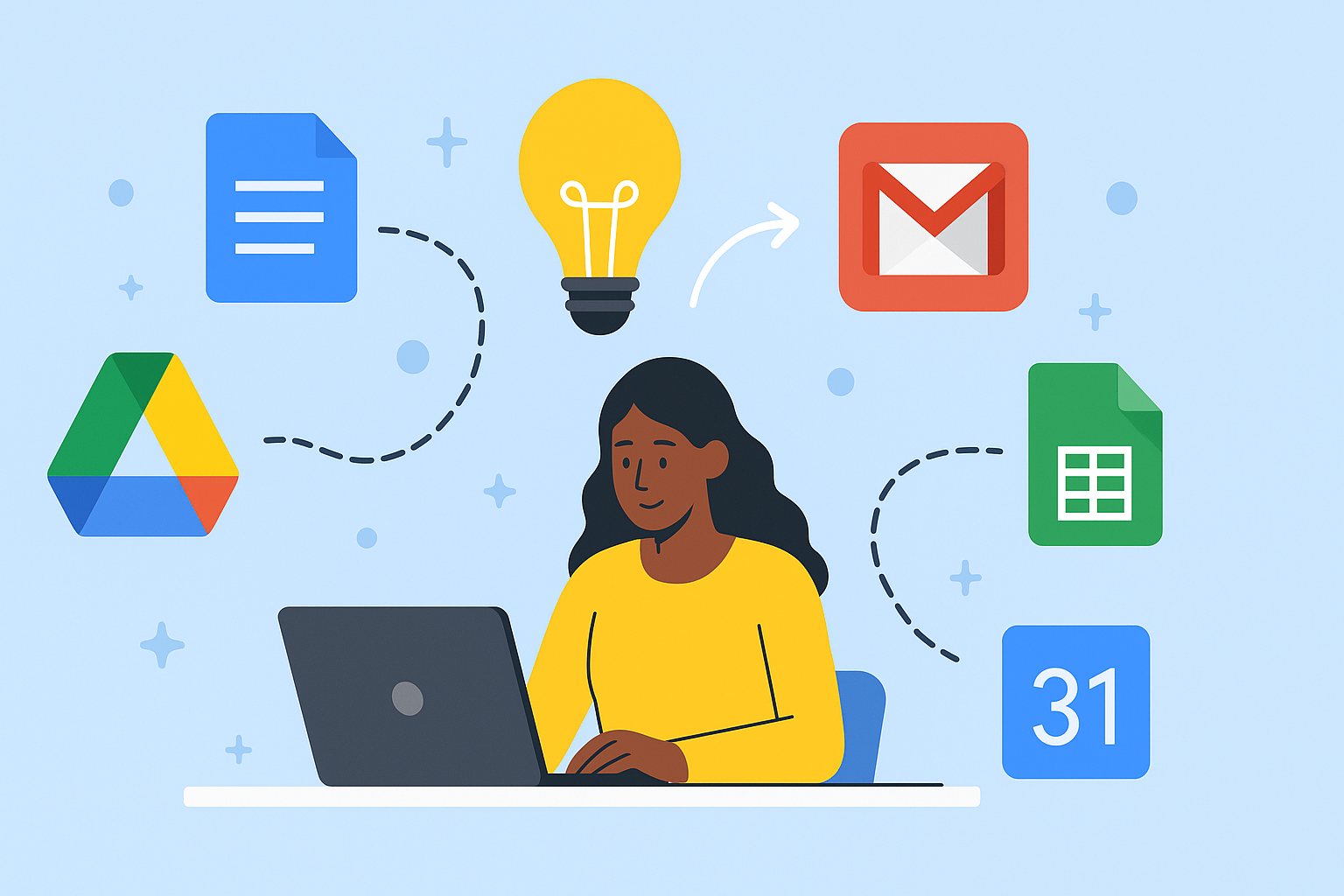
Learn to use Google Docs, Sheets, Slides, and Drive efficiently through live, instructor-led sessions and real-world projects. This 4-week online course helps you create, organize, and collaborate like a pro — whether you’re a student, entrepreneur, or professional.
💰 Fee: $30 | 🎓 Duration: 4 weeks | 💻 Format: Live Online via Google Meet
Description
Boost your productivity, teamwork, and digital efficiency with SkillRiseTech’s Hands-On Google Workspace Training — a 4-week live, instructor-led course designed to help you master Google Docs, Sheets, Slides, and Drive for modern collaboration and workflow success.
In today’s connected world, Google Workspace (formerly G Suite) is the foundation of productivity for millions of organizations, teams, and individuals. It enables real-time collaboration, secure file management, and seamless communication — but most people only use a fraction of its capabilities.
Our hands-on Google Workspace training helps you unlock the full potential of Google’s powerful tools, teaching you how to work smarter, not harder.
💻 Why Learn Google Workspace?
Whether you’re a student, entrepreneur, or professional, mastering Google Workspace is essential in today’s remote and hybrid work environments. This course shows you how to use Google’s cloud tools strategically — to save time, automate repetitive tasks, and improve teamwork efficiency.
By the end of this course, you’ll confidently:
-
✍️ Create and format professional documents in Google Docs
-
📊 Build, analyze, and visualize data in Google Sheets
-
🎨 Design powerful, engaging presentations with Google Slides
-
📁 Manage files, permissions, and projects effectively using Google Drive
You won’t just learn what each tool does — you’ll learn how to integrate them for smarter workflows and higher productivity.
🚀 A Practical, Results-Focused Hands-On Google Workspace Training
At SkillRiseTech, we believe the best way to learn is by doing. Every class in this course is interactive and project-based, so you gain practical experience, not just theory.
You’ll complete real-world projects such as:
-
Collaborating on a shared team report using Google Docs
-
Creating a data-driven financial dashboard in Google Sheets
-
Designing group presentations with embedded visuals in Google Slides
-
Setting up file management systems and secure sharing in Google Drive
These exercises prepare you for actual workplace tasks and make you more productive immediately.
🧠 What You’ll Gain from Hands-On Google Workspace Training
✅ Live, Interactive Sessions – Learn directly from experienced instructors.
✅ Project-Based Learning – Build real solutions you can use.
✅ Personalized Feedback – Get support tailored to your progress.
✅ Flexible Online Schedule – Learn from anywhere using Google Meet.
✅ Certificate of Completion – Boost your résumé and LinkedIn profile.
Whether you’re new to Google tools or looking to deepen your expertise, this training gives you the structure and confidence to succeed in today’s digital workspace.
👩💼 Who Should Enroll in Hands-On Google Workspace Training
This course is perfect for:
-
🎓 Students looking to improve academic productivity
-
💼 Business owners managing remote teams and projects
-
🧠 Professionals who want to automate office tasks
-
🚀 Freelancers and entrepreneurs who need better organization
If you use Gmail, Google Docs, Sheets, or Drive, this course will transform how you work every day.
🔗 Recommended Learning Resources
Enhance your skills even further with trusted resources:
These resources complement your SkillRiseTech lessons and ensure continued growth after the course.
💰 Course Details
💰 Fee: $30
🎓 Duration: 4 Weeks (live, project-based sessions)
💻 Format: Online via Google Meet
Each week focuses on a specific Google Workspace tool, allowing you to master one area at a time and apply what you learn immediately.
🌈 Enroll Today and Transform Your Productivity
Join hundreds of learners who have boosted their careers through SkillRiseTech’s Hands-On Google Workspace Training.
By the end of this course, you’ll be ready to create, organize, and collaborate efficiently — mastering the tools that define modern digital work.
👉 Enroll today and experience the SkillRiseTech difference — practical, empowering, and results-driven training that helps you thrive in a connected world.


Reviews
There are no reviews yet.